
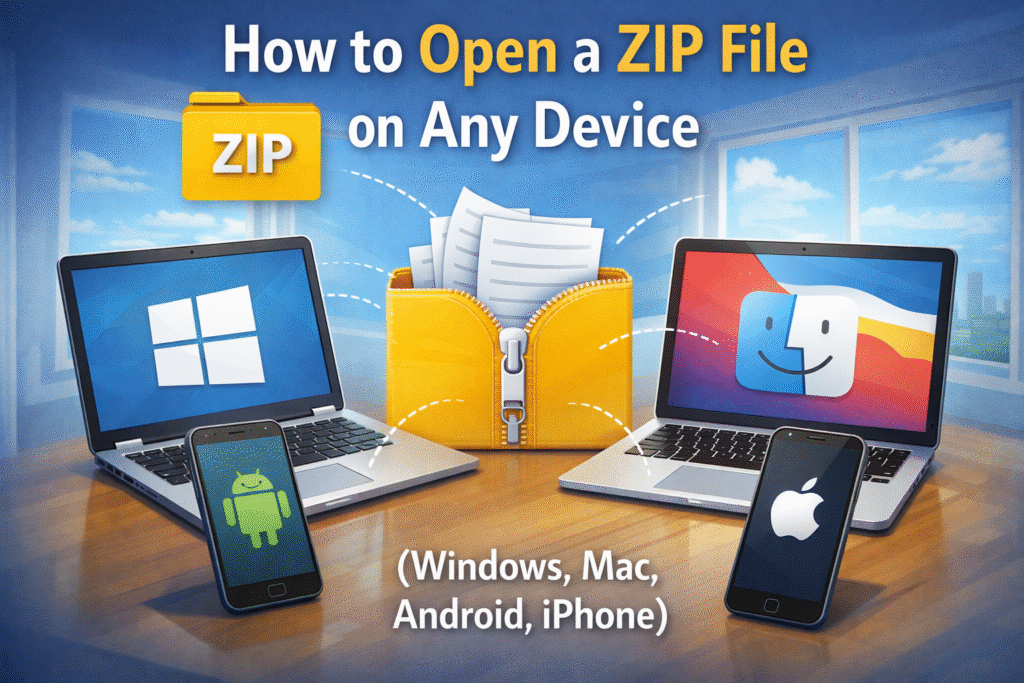
Need to open a ZIP file? Learn simple ways to open ZIP files on Windows, Mac, Android, and iPhone without extra software or technical steps.
What Is a ZIP File and Why It’s Used
A ZIP file is a compressed folder that contains one or more files packaged together. Compression reduces file size, making downloads faster and file sharing easier. ZIP files are commonly used for software downloads, documents, images, and backups.
Before you can use the contents, the ZIP file must be opened or extracted.
How to Open a ZIP File on Windows
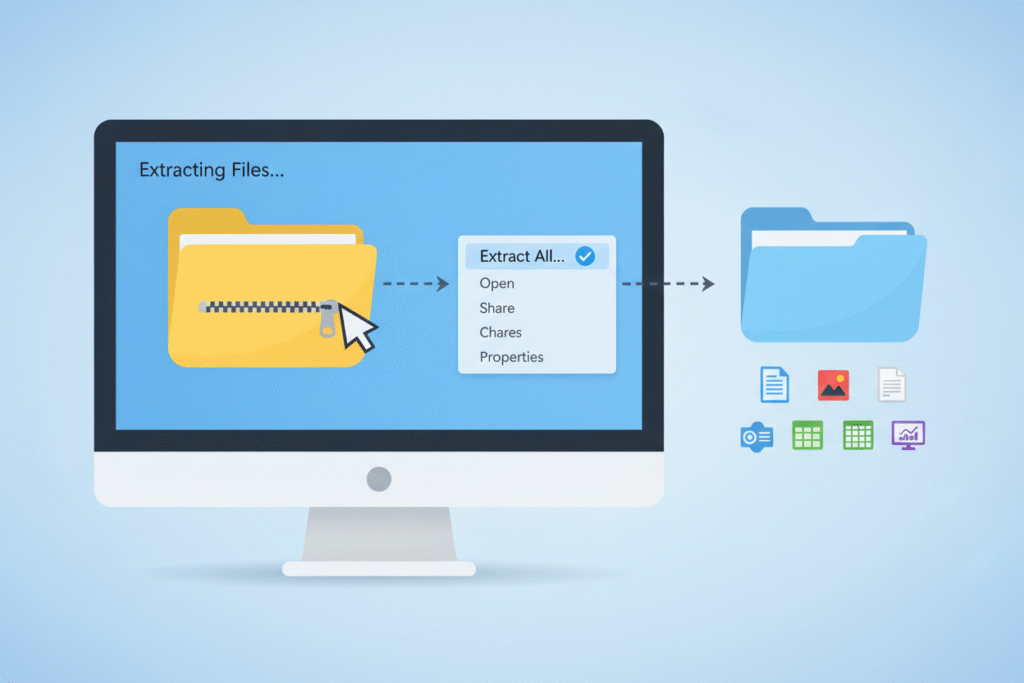
Windows includes built-in support for ZIP files, so no additional tools are required.
- Locate the ZIP file on your computer
- Right-click the file
- Select Extract All
- Choose a destination folder
- Click Extract
Windows will create a normal folder containing the extracted files.
How to Open a ZIP File on Mac
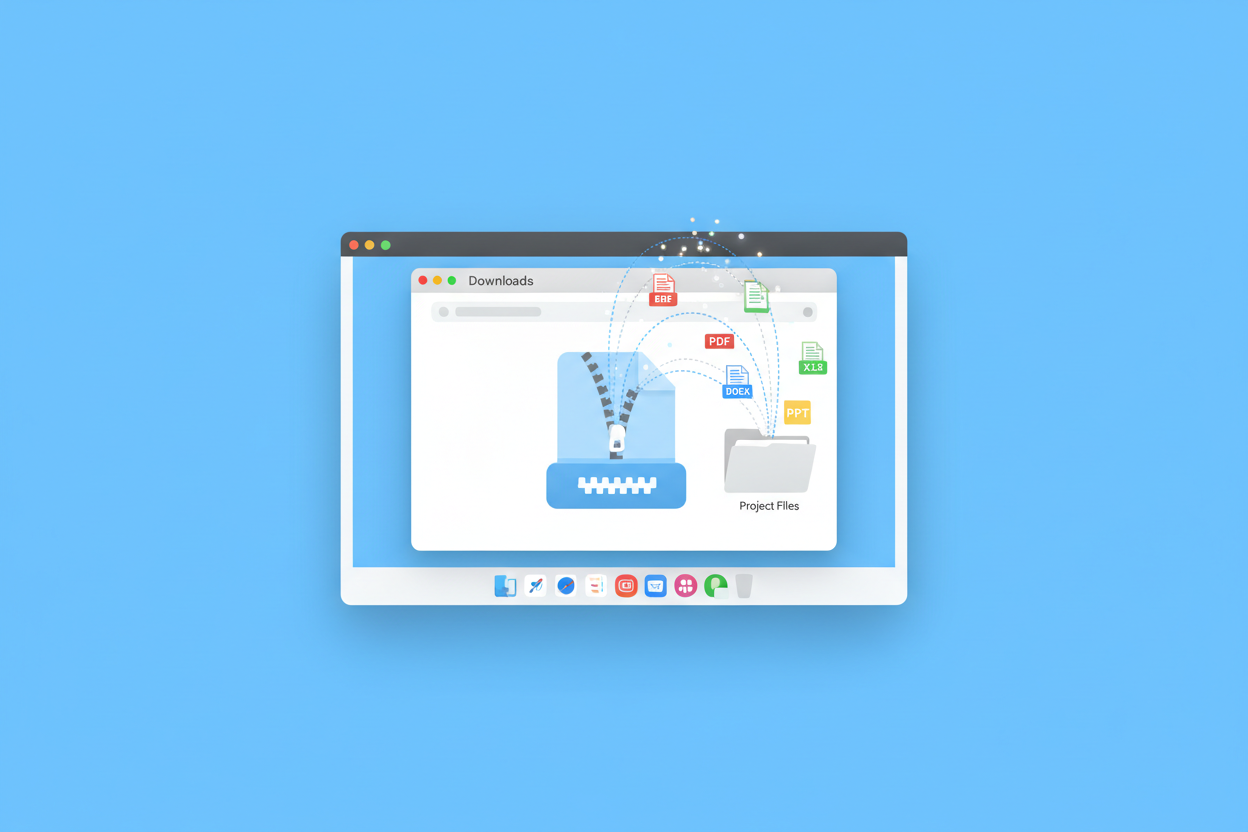
macOS handles ZIP files automatically.
- Find the ZIP file
- Double-click it
A new folder with the same name appears in the same location. The extracted files are ready to use.
How to Open a ZIP File on Android
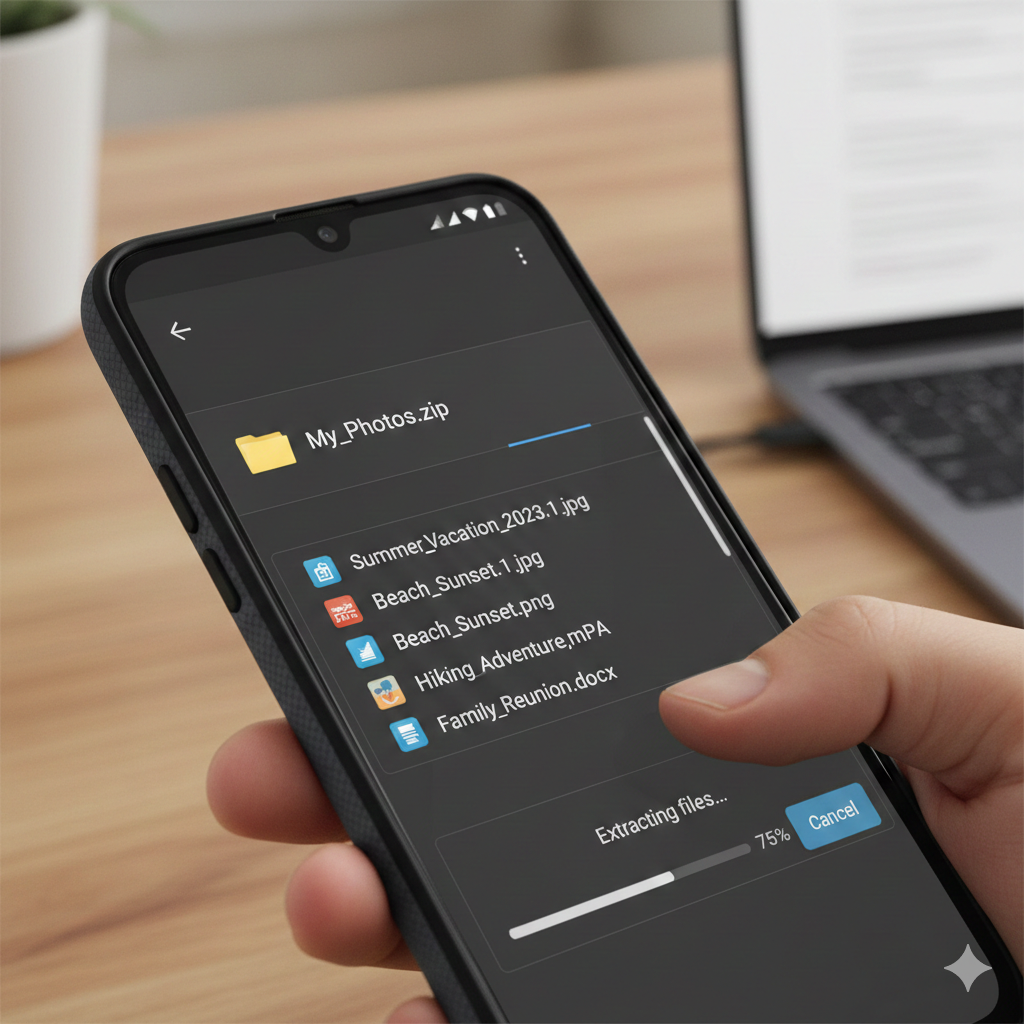
Most Android devices can open ZIP files without installing apps.
- Open Files or My Files
- Navigate to the ZIP file
- Tap the file
- Select Extract
If your device does not support extraction, a free file manager from the app store will handle it.
How to Open a ZIP File on iPhone
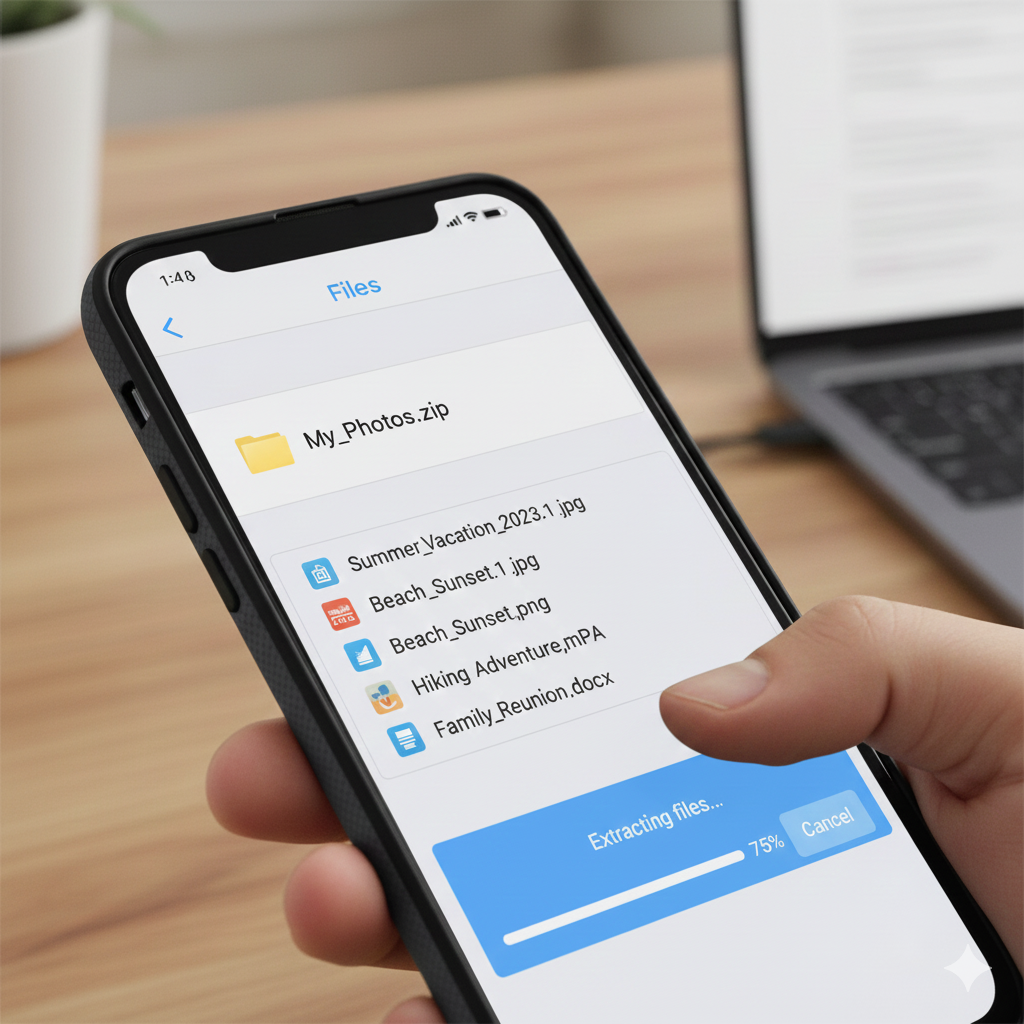
iPhones can open ZIP files using the Files app.
- Open Files
- Locate the ZIP file
- Tap the file once
The system automatically extracts the contents into a new folder.
Do You Need Software to Open ZIP Files?
In most cases, no. Modern operating systems support ZIP files natively. Extra software is only needed when:
- Opening encrypted ZIP files
- Handling large multi-part archives
- Working with uncommon compression formats
For regular ZIP files, built-in tools are sufficient.
Common Problems When Opening ZIP Files
Some ZIP files may not open correctly due to:
- Corrupted downloads
- Incomplete file transfers
- Password protection
- Unsupported compression methods
Re-downloading the file often resolves extraction issues.
Why ZIP Files Are Safe When Used Correctly
ZIP files themselves are not harmful. Problems arise only when files come from untrusted sources. Always scan extracted files and avoid running unknown executables.
Frequently Asked Questions
Can I open a ZIP file without extracting it?
Yes, you can preview files inside a ZIP folder, but extraction is needed to use them fully.
Is opening a ZIP file the same as extracting?
Opening allows viewing contents; extracting copies files into a regular folder.
Why won’t my ZIP file open?
The file may be damaged or password-protected.
Are ZIP files supported on all devices?
Yes, ZIP files are supported across all major operating systems.
Open a ZIP File Completely Explained:
It is the best option to learn how to open a ZIP file for downloading and sharing files across devices. Whether you use Windows, Mac, Android, or iPhone, built-in tools make the process quick and reliable without the need for additional software.