
A BIN file can be confusing because it does not represent just one type of file. Many users search for “open BIN file” after downloading a file that Windows or Mac cannot open directly. The truth is, a BIN file can store different types of data depending on where it comes from.
This guide explains what a BIN file is, why it doesn’t open normally, and how to open it step by step on Windows, Mac, and other devices.
What Is a BIN File?
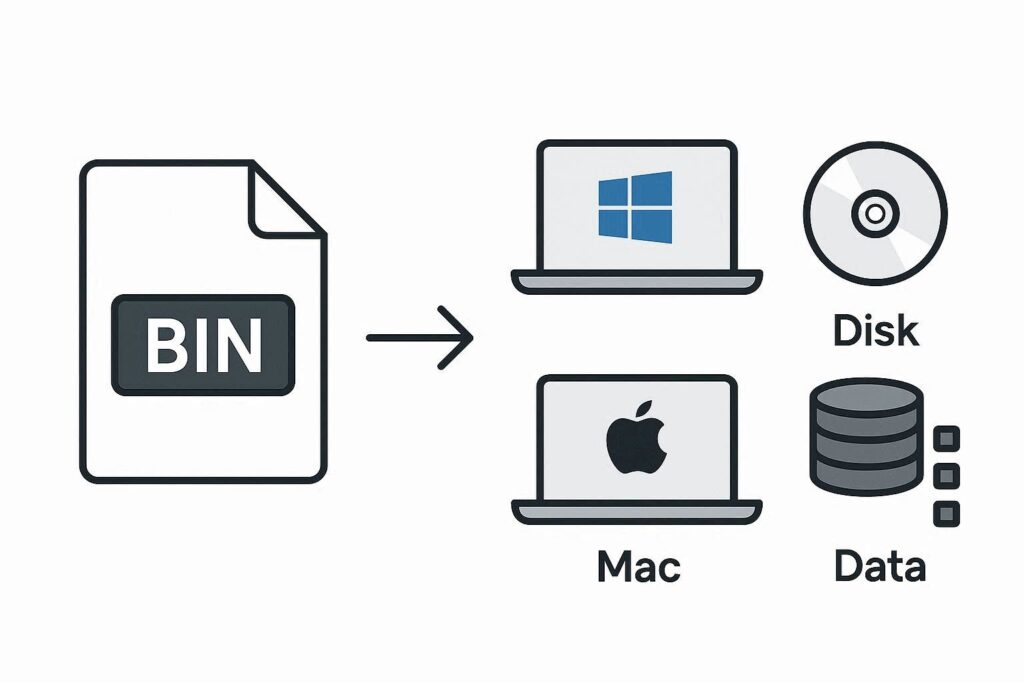
A BIN file (Binary file) is a generic container that stores data in binary format. Unlike JPG, PDF, or MP4 files, a BIN file does not tell your system what kind of data it contains just by its extension.
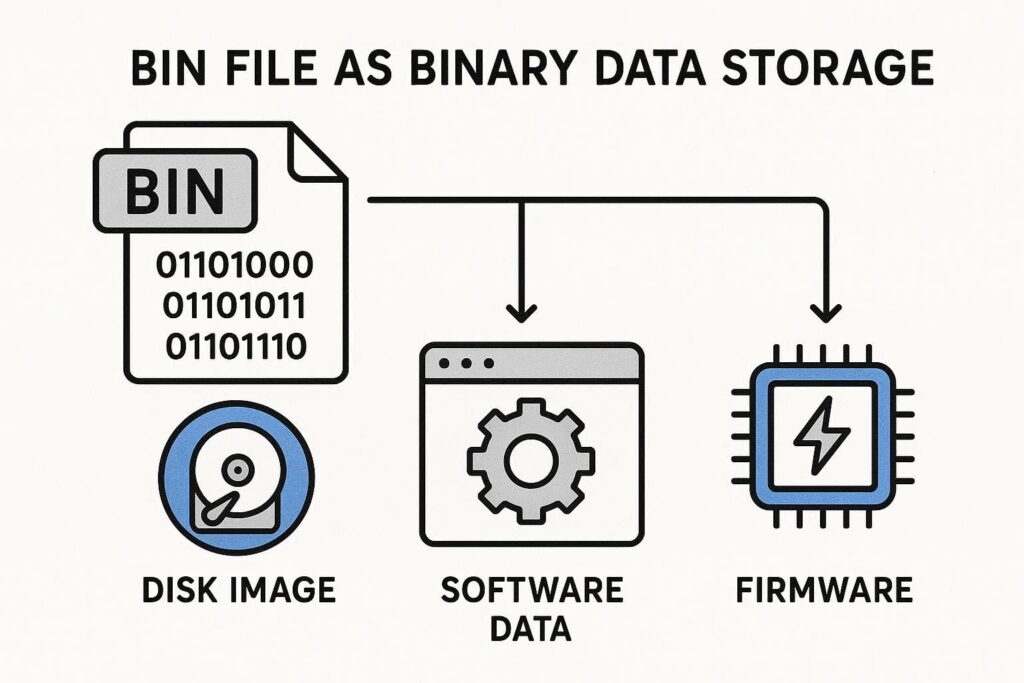
BIN files are commonly used for:
- CD/DVD image files
- Game data files
- Firmware updates
- Program installation data
- Backup or archive data
Because BIN files serve many purposes, the method to open them depends entirely on what the BIN file contains.
Why BIN Files Don’t Open Normally
Most BIN files:
- Are not meant to be opened by double-clicking
- Require a specific program
- May be part of a larger installation or system process
Trying to open a BIN file with the wrong program usually results in an error.
How to Open a BIN File on Windows (Step by Step)
Method 1: Open BIN File Using the Correct Program (Recommended)
Before opening the file, identify where it came from.
Step 1: Check the source of the BIN file
- Game file → game software
- Disc image → mounting software
- Firmware → device update tool
Step 2: Install the required software
Step 3: Open the program and load the BIN file from inside it
This is the safest and most reliable method.
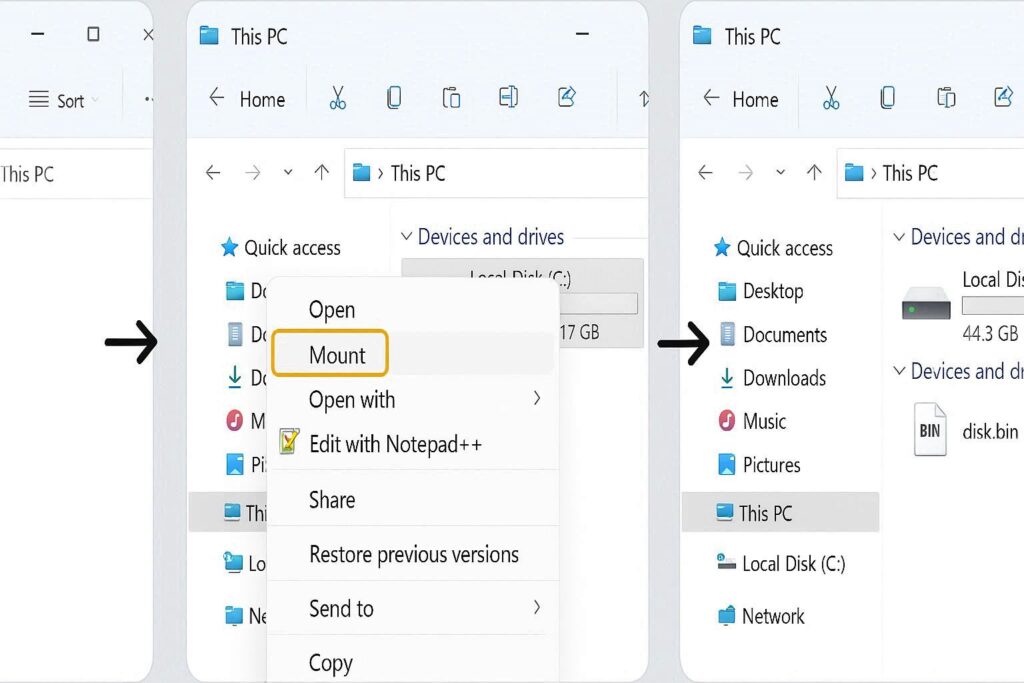
Method 2: Mount BIN File as a Disk Image
If the BIN file is a CD or DVD image, you can mount it.
Step 1: Install a disk image mounting tool
Step 2: Right-click the BIN file
Step 3: Select Mount or Open with → disk image tool
Step 4: Access the mounted drive like a real CD/DVD
This method is common for software installers and older games.
Method 3: Open BIN File with a Text Editor (For Inspection Only)
This is only for viewing raw data—not for normal use.
Step 1: Right-click the BIN file
Step 2: Choose Open with → Notepad or another text editor
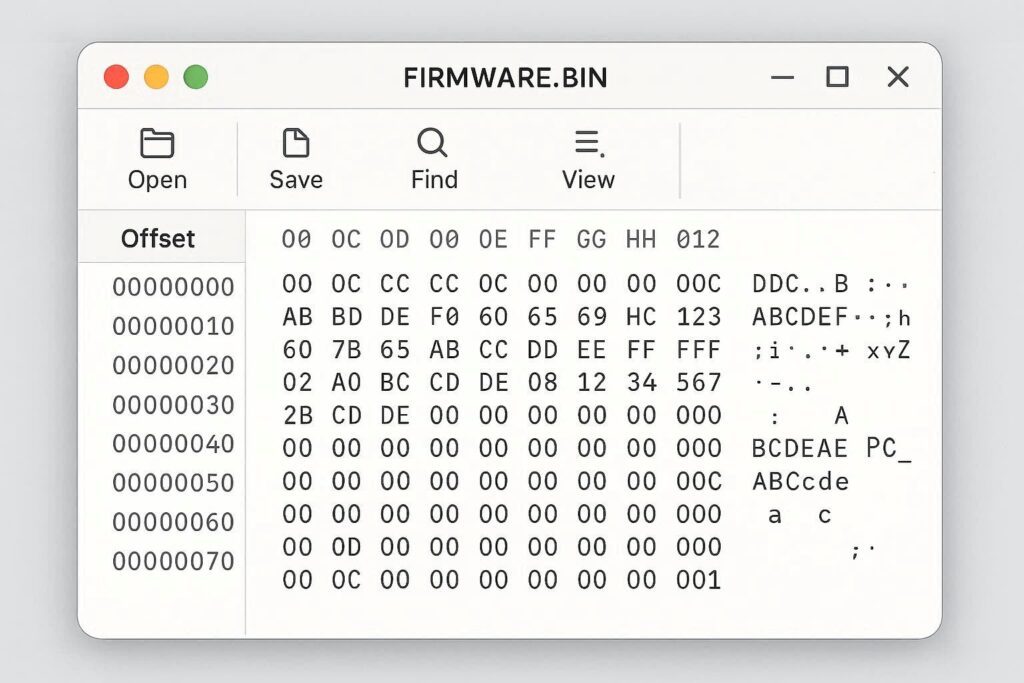
The content will look unreadable, but this confirms the file is binary data.
How to Open a BIN File on Mac
Mac users face the same issue—BIN files need the right tool.
Steps:
- Identify the file’s purpose
- Use disk image software if it’s a CD/DVD BIN
- Use the original application if it belongs to software or firmware
- Do not attempt random apps, as it may corrupt the file
Some BIN image files also come with a CUE file, which should be opened instead of the BIN.
How to Open a BIN File Online
Online tools can help inspect a BIN file but not fully use it.
Online tools can:
- Show file structure
- Extract readable content (if possible)
Online tools cannot:
- Install software
- Flash firmware
- Run BIN programs
This method is useful for checking file contents quickly.
How to Convert a BIN File
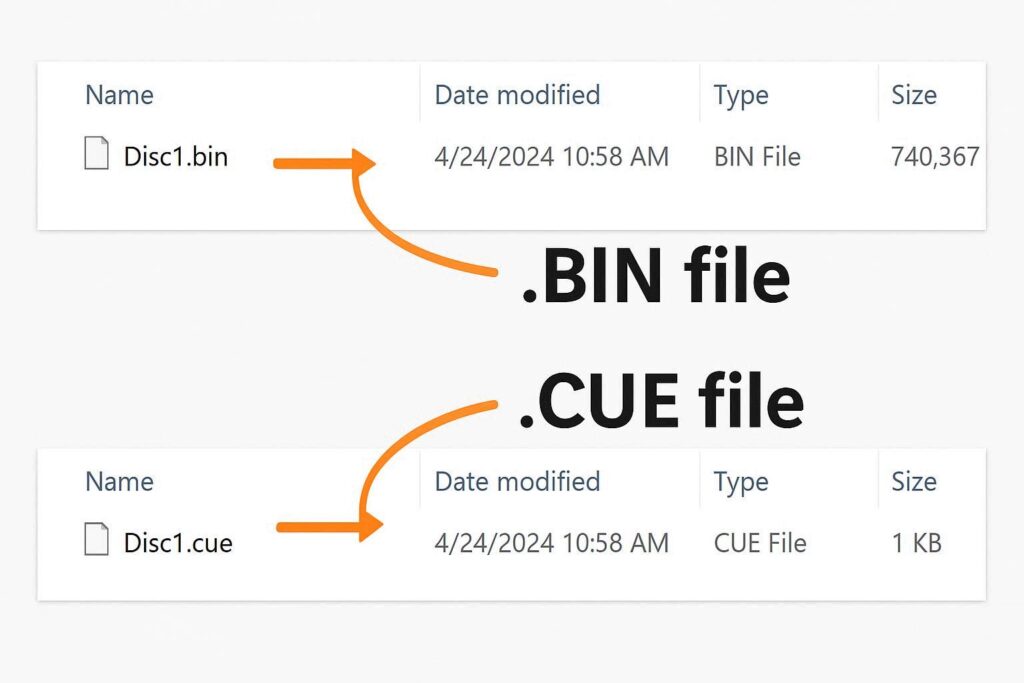
BIN files cannot always be converted, but sometimes conversion is possible.
Examples:
- BIN (disc image) → ISO
- BIN (data archive) → extracted files
Conversion depends on:
- File type
- File completeness
- Original purpose
Always confirm the BIN file type before converting.
Is It Safe to Open a BIN File?
BIN files are safe if downloaded from trusted sources. Risks arise when:
- BIN files come from unknown websites
- Firmware BIN files are installed incorrectly
- Executable BIN files are forced to open
To stay safe:
- Scan with antivirus
- Do not rename randomly
- Follow source instructions carefully
BIN File Not Opening – Common Problems and Fixes
BIN File Won’t Open
Fix: Use the correct program for the file type
BIN File Opens as Garbled Text
Fix: It’s binary data—this is normal
BIN File Missing CUE File
Fix: Re-download both BIN and CUE files
BIN File Is Corrupted
Fix: Download again from the original source
BIN File vs ISO File
| Feature | BIN | ISO |
|---|---|---|
| File Type | Binary container | Disk image |
| Usage | Multiple purposes | Disc images |
| Compatibility | Requires specific tools | Widely supported |
ISO files are easier to use, but BIN files are more flexible.
Frequently Asked Questions
Can I delete a BIN file?
Yes, if it’s not required by any program or device.
Can I rename a BIN file?
Renaming only works in specific cases and should be avoided unless instructed.
Are BIN files viruses?
No, but malicious files can be disguised as BIN files. Source matters.
Bin File Opening Guidance:
A BIN file is not a single, simple format—it’s a container. The key to opening it is understanding where it came from and what it’s meant for. Once you know that, opening a BIN file becomes straightforward and safe.
If you’re unsure, never force a BIN file to open. Use the recommended program or re-download it from a trusted source.
unlocker.ai – The Ultimate AI Tool for Bypassing Restrictions and Unlocking Content Seamlessly!